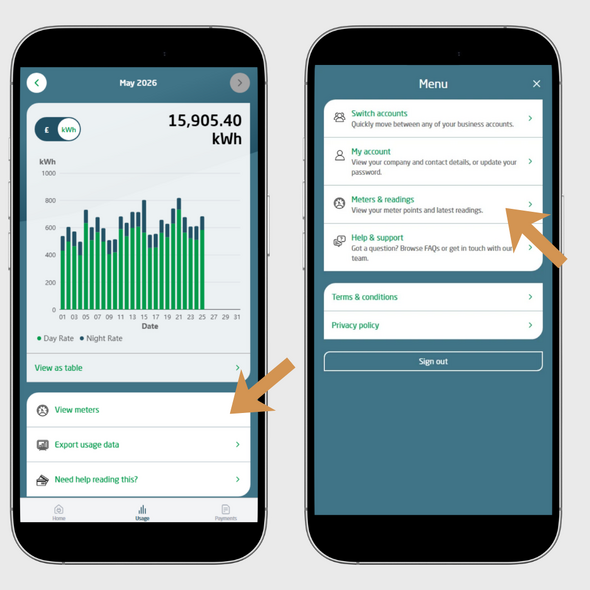
You can access your list of meter points in two ways through the Customer Portal:
Viewing your meter points
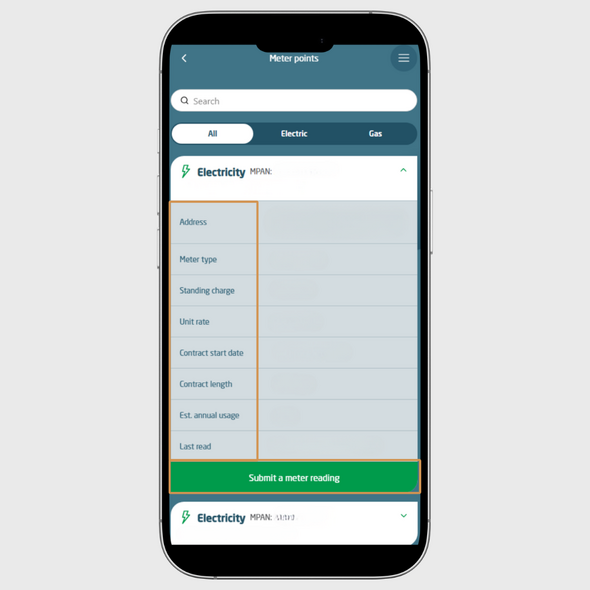
All your meter points will be displayed in one place. You can filter the list to show:
Select the meter you want to view to see more detailed information.
What information can I see?
When you open a meter point, you will be able to view:
Submitting a meter reading
From this page, you can also submit a meter reading for the selected meter point.

Call us on:
0330 390 4510

LiveChat now